Fix Mojibake
Detect the encoding of a CSV or text file and convert it so Excel and other programs read it correctly. Paste garbled text to recover the original. Everything runs in your browser; the file is never uploaded.
Your files stay safe — processed entirely in your browser. Nothing is uploaded.
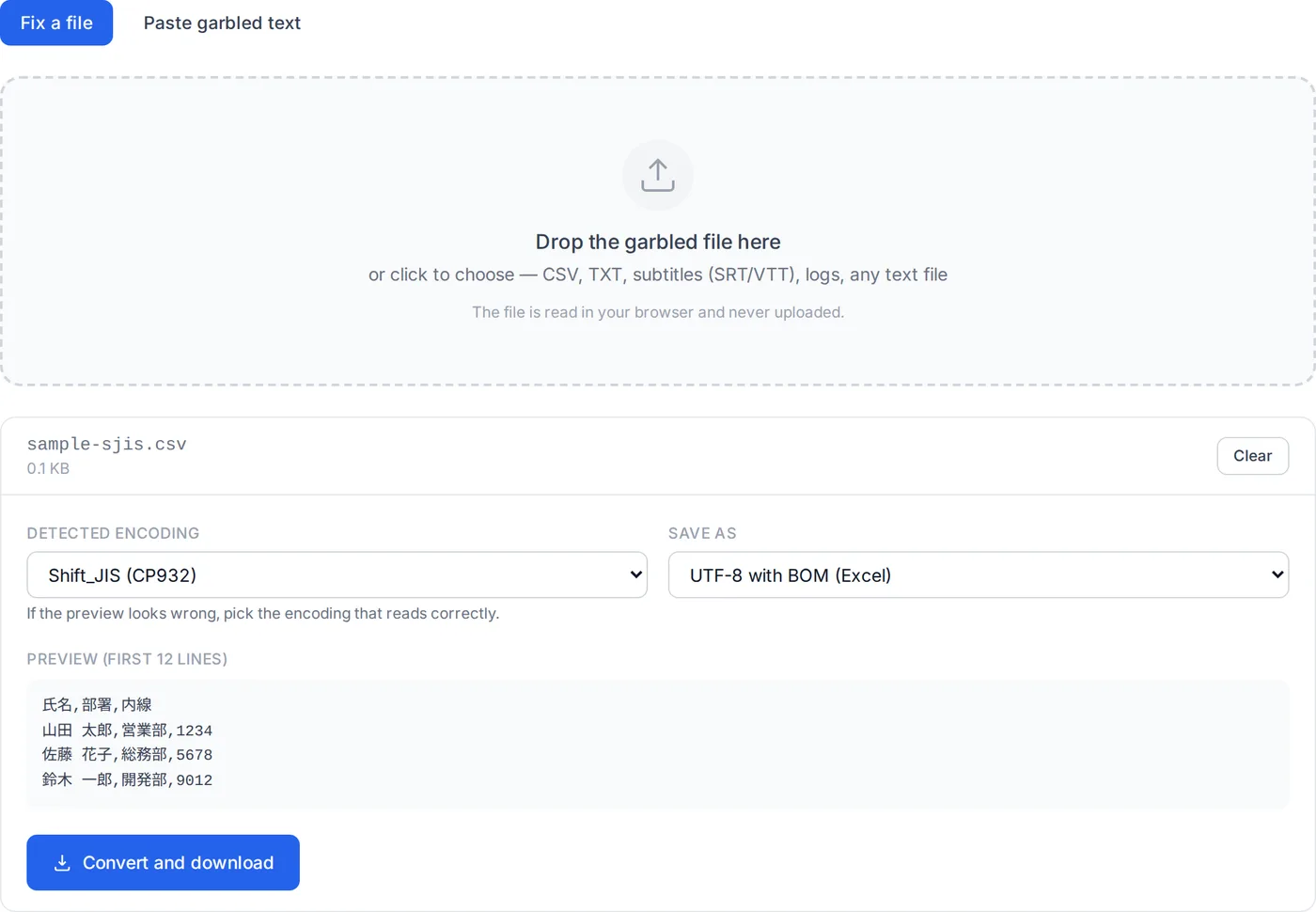
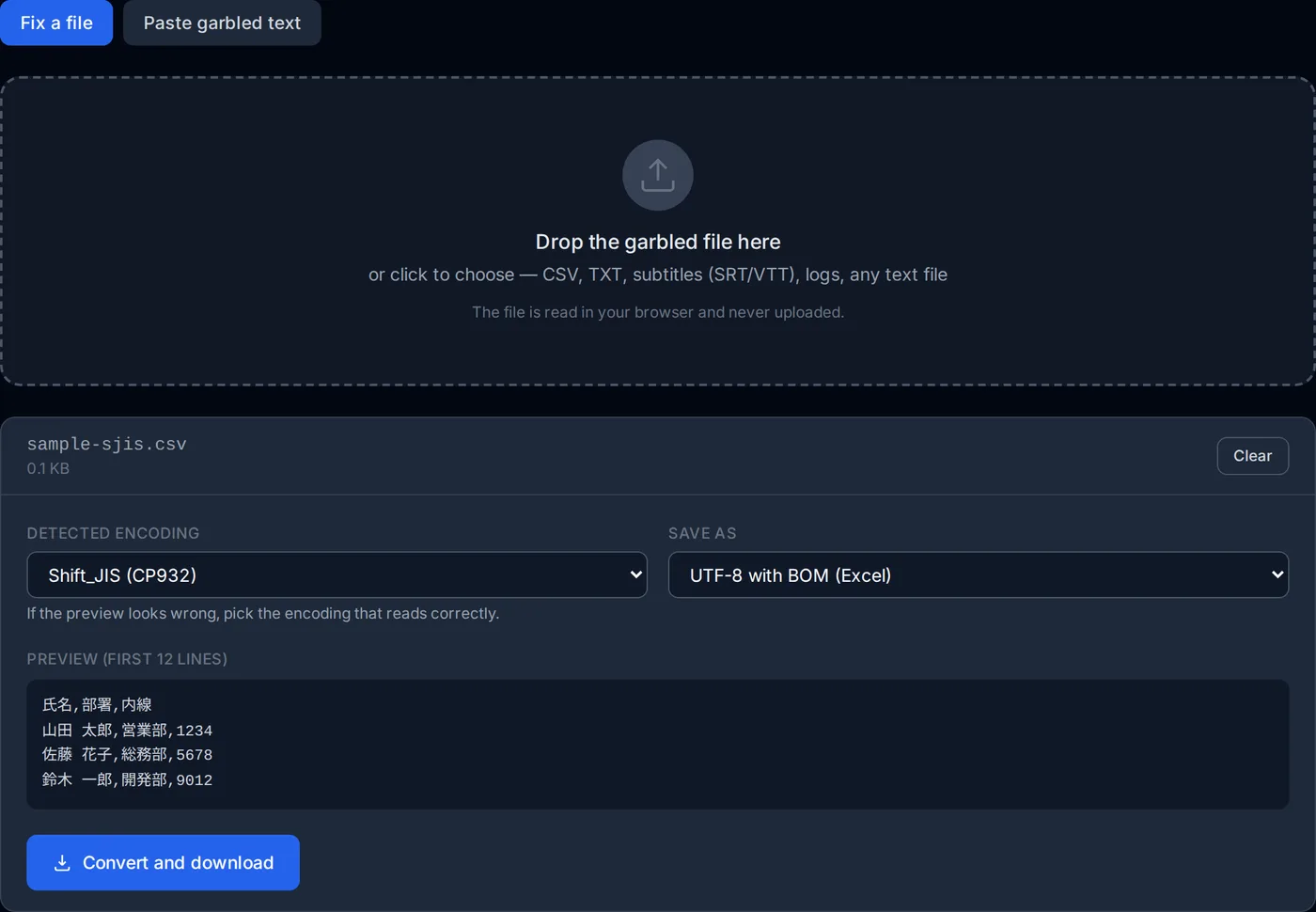
Drop the garbled file here
or click to choose — CSV, TXT, subtitles (SRT/VTT), logs, any text file
The file is read in your browser and never uploaded.
How to fix a CSV that opens garbled in Excel
You open a CSV from a Japanese supplier in Excel and every Japanese cell reads '譁�ュ怜喧縺�'. Or you saved one from Excel and the recipient's system shows '����'. In nearly every case the program that wrote the file and the one reading it assumed different encodings: Japanese Excel opens CSV as Shift_JIS, while web services, Macs and most programs write UTF-8.
This tool works out the encoding from the bytes themselves and writes the file back in the encoding the destination expects. The file is read inside your browser and goes nowhere.
Drop the garbled file
CSV, plain text, subtitles — any text file. The encoding is detected from the content and a preview is shown. If the preview reads correctly, the detection is right.
Check the preview
If it does not read, switch the detected encoding. Each candidate shows how many � characters it leaves; the one with zero is almost always correct.
Choose the encoding to save as
For Excel, choose "UTF-8 with BOM": the three-byte marker tells Excel the file is UTF-8, so it stops guessing Shift_JIS. For old Japanese systems choose Shift_JIS; for the web and programs, plain UTF-8.
Convert and download
The copy is saved with _utf8 or _sjis added to the original name. The original file is untouched.
Paste mode is for text that arrived garbled in an email or on a page. UTF-8 shown as Western text ('æ–‡å—化ã‘') reverses completely. Shift_JIS shown as UTF-8, which turns into rows of '�', cannot be reversed — the information was lost at that point. Use the file instead when you have it.
How this tool works
No conversion library is involved. Browsers already ship decoders for Shift_JIS, EUC-JP, ISO-2022-JP and UTF-16 (TextDecoder), which is all detection and reading need. What they lack is an encoder for anything but UTF-8; that is built by running every byte sequence through the browser's own decoder and inverting the table.
- Detection by reading and comparing
- The bytes are decoded strictly with each candidate encoding — a setting under which invalid sequences fail — and every result that survives is scored on how much it reads like prose: more hiragana, fewer rare kanji, no �. UTF-8 read as Shift_JIS comes out as a wall of rare kanji, which is what gives it away.
- Encoders derived from decoders
- Shift_JIS has only about 9,300 two-byte sequences. The first time one is needed, all of them are run through the browser's decoder to build a character-to-bytes table, in a few milliseconds. The table is exactly what the browser considers correct, which is what Excel on Windows will read.
- NEC and IBM duplicate rows
- CP932 assigns two byte sequences to the same character in one area (the NEC-selected IBM extensions and the IBM extensions proper). Output uses the IBM rows, as Windows does.
- The wave dash
- The '〜' (U+301C) that Macs and modern editors write does not exist in CP932, where Windows uses '~' (U+FF5E). Converted naively it becomes '?', so a handful of such characters — wave dash, minus sign, double hyphen — are mapped to their Windows counterparts on output.
- Reversing pasted text
- Every pairing of 'what it was read as' and 'what it really was' is tried: the text is re-encoded with the wrong encoding to recover the original bytes, then decoded with the right one, and the most natural result is shown. If nothing reads better than the input, the text is judged not to be garbled.
What it does not do
Characters replaced by '�' cannot be recovered; their bytes are gone. ISO-2022-JP and UTF-16 can be read but not written. A file mixing several encodings is read as whichever dominates.