Winmail.dat Viewer & Extractor
Open winmail.dat files from Microsoft Outlook. View email content and extract attachments — all in your browser, nothing uploaded.
Your files stay safe — processed entirely in your browser. Nothing is uploaded.
Drop winmail.dat file here
or click to select a file
Supports winmail.dat files (TNEF format).
How to Open winmail.dat Files
If you've ever received an email with a mysterious attachment called "winmail.dat", you're not alone. This file is created by Microsoft Outlook when it sends emails using a proprietary format called TNEF (Transport Neutral Encapsulation Format). Non-Outlook email clients like Gmail, Apple Mail, and Thunderbird can't decode this format, leaving you with an unopenable attachment.
Our winmail.dat viewer extracts the original email content and attachments right in your browser. The file is parsed locally using our custom-built TNEF decoder — nothing is uploaded to any server, so your email content stays completely private.
Select Your winmail.dat File
Drag and drop your winmail.dat file onto the upload area, or click to browse and select it from your device. Only one file is processed at a time.
View Email Content
The tool automatically parses the file and displays the email subject, sender and message body, whether the body is stored as plain text, HTML or compressed RTF (rich text is shown without its formatting). When both a plain-text and an HTML version exist, you can switch between them.
Download Attachments
The attachments embedded in the winmail.dat file are listed with their file names, sizes, and types. Download each file individually, or use the "Download All as ZIP" button to get everything in a single archive.
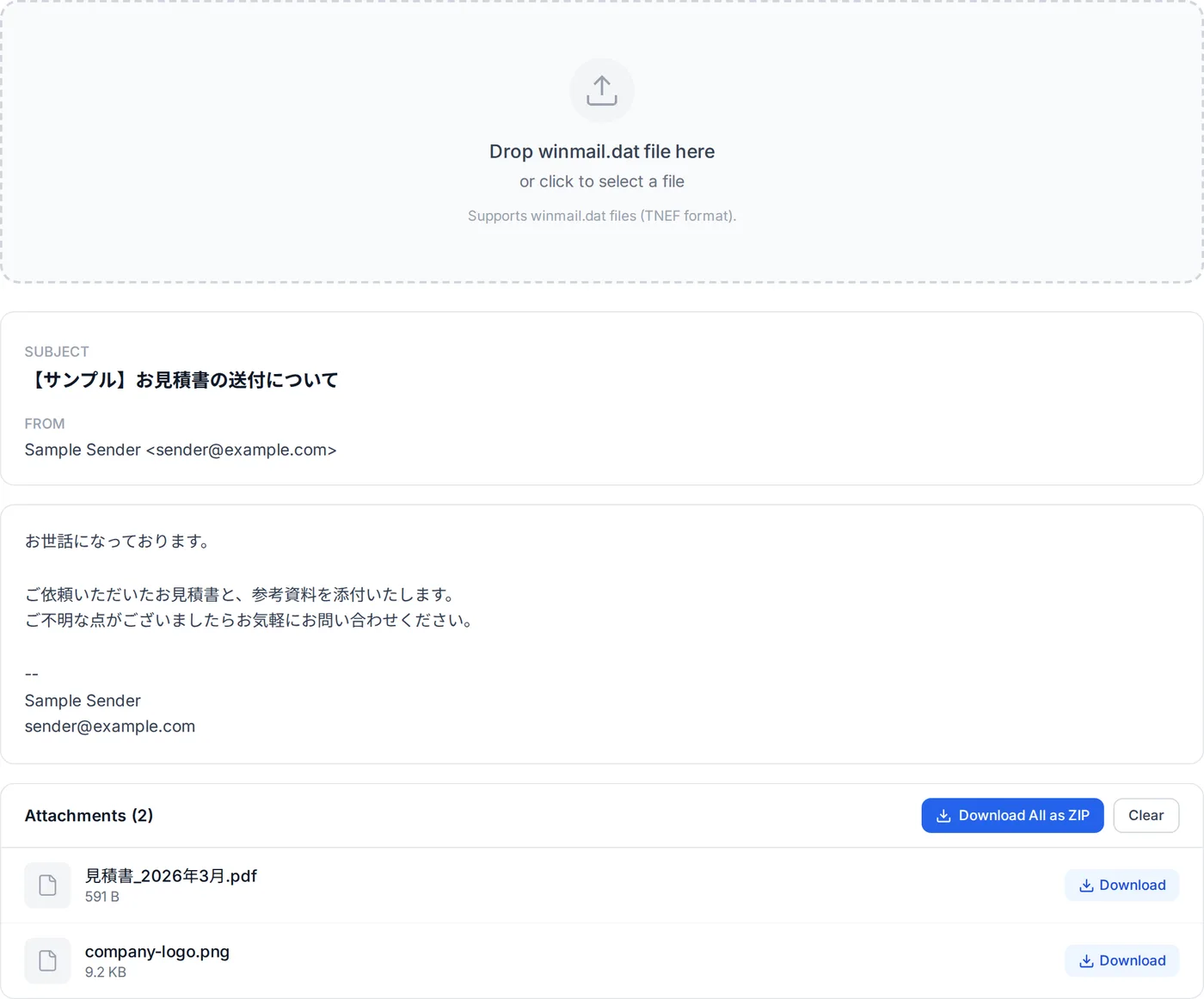
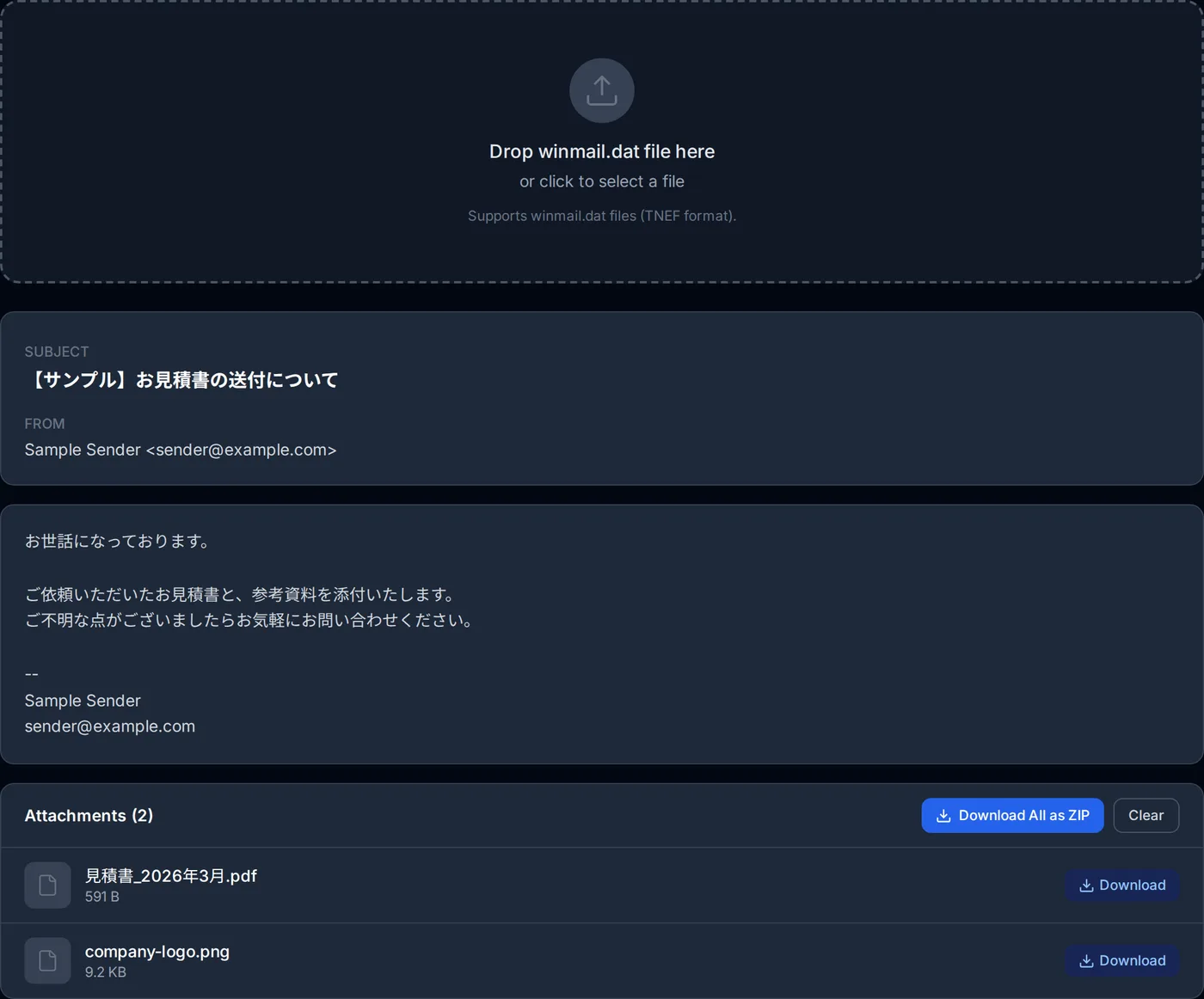
The parsing process is nearly instant for typical winmail.dat files. Since all processing happens locally in your browser using our custom TNEF parser, your email data — including any sensitive attachments — never leaves your device. You may also see this attachment written as win.dat, windat, "win mail dat" or ATT00001.dat depending on the mail client that delivered it — they are all the same TNEF file and this tool opens all of them.
How this winmail.dat viewer works
No JavaScript library decodes TNEF in the browser, so the parser behind this tool was written from scratch in TypeScript. That is why the file can stay on your device — there is no server step to fall back on.
TNEF is a flat sequence of attribute records. The parser reads the 0x223e9f78 signature, then walks each record's level, attribute id, length and payload.
- Message attributes it reads
- attSubject (0x8004), attFrom (0x8000, skipping the TRP header), attBody (0x800c) and the MAPI property block (0x9003). Unicode values from the MAPI block take priority over the legacy ANSI copies, which is what keeps accented and non-Latin subjects intact.
- Attachment attributes it reads
- attAttachRendData (0x9002) opens each attachment, then attAttachTitle (0x8010) and attAttachData (0x800f) supply the legacy name and bytes, with the per-attachment MAPI block (0x9005) carrying the better filenames.
- Filename resolution order
- PidTagAttachLongFilename (0x3707), then PidTagAttachFilename (0x3704), then PidTagDisplayName (0x3001), and only then the legacy ANSI attAttachTitle. Tools that read just the legacy field are the ones that turn Japanese filenames into mojibake.
- Character encoding
- The OEM codepage attribute (0x9007) is read first and decides how every following ANSI string is decoded — Shift_JIS (932), GBK, EUC-KR, Big5, the Windows-125x family or UTF-8. MAPI strings are decoded as UTF-16LE.
- HTML bodies
- An HTML body stored as HTML (PR_HTML) is decoded in the mail's own encoding, PR_INTERNET_CPID — often ISO-2022-JP for Japanese mail. It is untrusted input from a stranger, so it is sanitized with DOMPurify against an explicit tag and attribute allowlist, then rendered inside a sandboxed iframe whose content security policy lets it load nothing from the network: it cannot reach the surrounding page, and remote images that would tell the sender the mail was opened are never fetched.
- Bodies stored as compressed RTF
- Many winmail.dat files carry the body only as compressed RTF (PR_RTF_COMPRESSED, 0x1009). It is decompressed with the algorithm Microsoft publishes (MS-OXRTFCP). When the RTF wraps an HTML message (\fromhtml1, MS-OXRTFEX), the original HTML is recovered and treated like any other HTML body; other RTF is reduced to its text. If the RTF is damaged, the page says so instead of showing an empty body.
Where it stops
A body stored only as compressed RTF is shown, but one written as rich text comes out as plain text: fonts, colours and layout are dropped (an HTML message wrapped in RTF keeps its HTML). Emails attached inside it and embedded OLE objects are not extracted. Encrypted or signed S/MIME payloads inside a TNEF container are not decoded either, and because everything runs in a tab, a very large winmail.dat on a low-memory phone is bounded by that device's memory rather than by a server.
Frequently Asked Questions
What is a winmail.dat file?
Is it safe to open winmail.dat files with this tool?
Why do I keep receiving winmail.dat files?
Can I extract attachments from winmail.dat?
What types of content can be inside a winmail.dat file?
How can I prevent sending winmail.dat files?
Does this tool work on mobile devices?
Related articles
How to Open winmail.dat on Windows, Mac, iPhone, Android and Gmail
winmail.dat opens in your browser in seconds. What is going on in Windows without Outlook, on a Mac, on iPhone, on Android and in Gmail, and how to get the message and its attachments out in each case.
Winmail.dat on iPhone: What to Do When You Receive One
How to get the attachments out of a winmail.dat that arrived in iPhone Mail, in Safari and without installing an app — plus why it happens and what to ask the sender, following Apple's and Microsoft's own explanations.
Writing a TNEF Parser So winmail.dat Never Leaves the Browser
Every winmail.dat converter I could find wanted me to upload the file to their server. So I implemented TNEF from scratch in TypeScript. Here is what is inside the format, and the three details that break naive implementations.
What Is winmail.dat? Why Outlook Sends It and What Is Inside
winmail.dat is the TNEF part of an Outlook message that your mail program could not read. Following Microsoft's documentation and the MS-OXTNEF specification: when Outlook sends it, why some recipients see it and others do not, what is inside, and how to open or stop it.