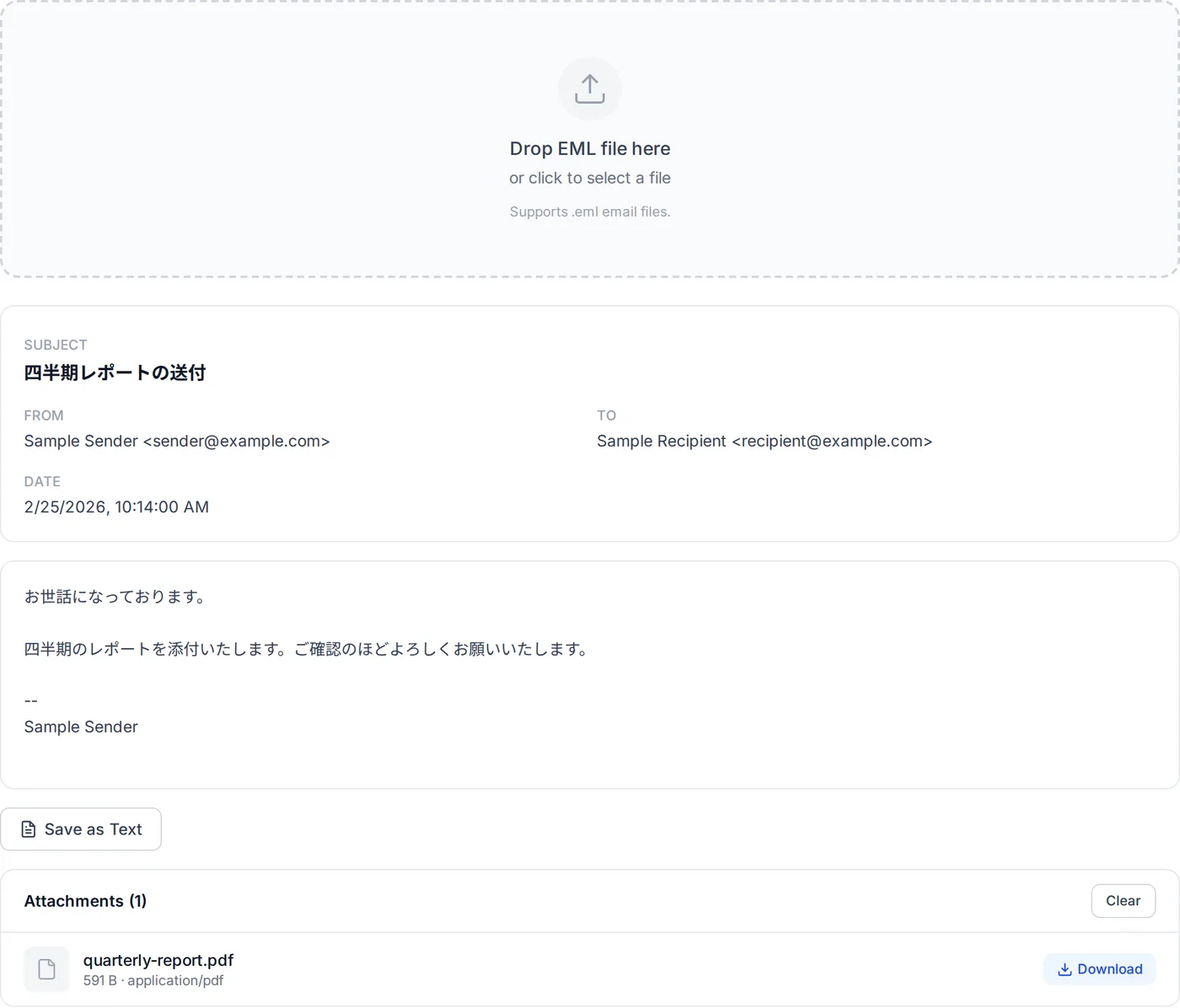
Drop EML file here
or click to select a file
Supports .eml email files.
How to Open and View EML Files
EML files are a standard format for storing individual email messages, widely used by email clients such as Microsoft Outlook, Mozilla Thunderbird, Windows Mail, and Apple Mail. Each EML file contains the complete email — including headers (subject, sender, recipients, date), the message body (in plain text and/or HTML), and any file attachments. While EML is an open standard based on RFC 5322 (the Internet Message Format), many users find they can't easily open these files outside of their email client, especially when received as downloads, exported for archival, or found on a shared drive.
Our EML File Viewer solves this problem by letting you open and read any EML file directly in your web browser. The file is parsed entirely on your device using the postal-mime library — a modern, well-maintained email parser built by the Nodemailer team. No data is sent to any server, so even the most confidential emails remain completely private. You can read the message and its main headers (subject, sender, recipients, CC and date), switch between plain text and HTML views, and download any attachments individually or as a ZIP archive.
Whether you are reviewing archived mail, handling IT support, or just looking inside an EML file without installing dedicated software, this tool is made for it.
Select Your EML File
Drag and drop your .eml file onto the upload area, or click to browse and select it from your device. The tool shows one file at a time: its main headers, the message body and the attachments.
View Email Headers
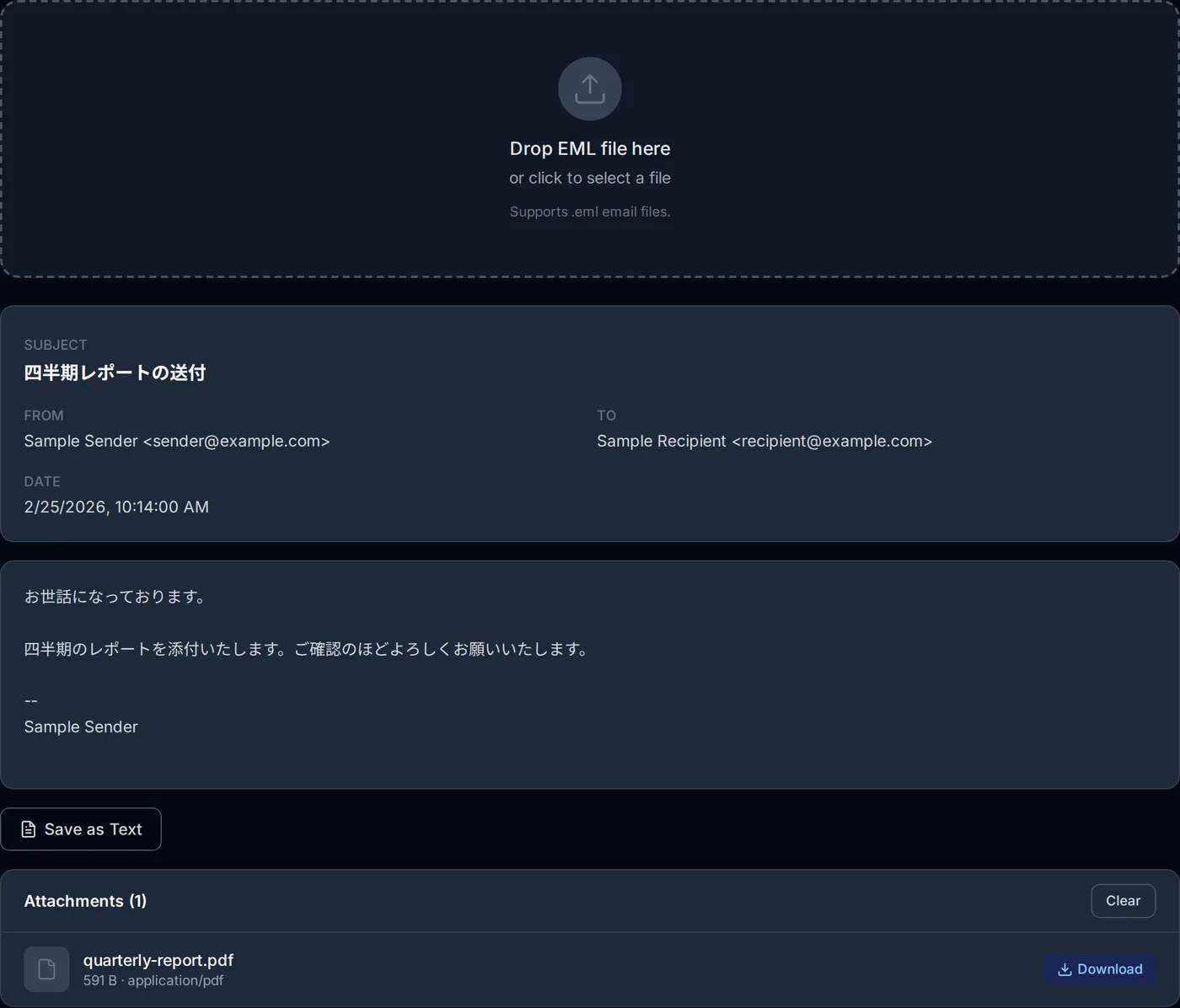
Once the file is loaded, the tool displays the email subject, sender (From), recipients (To), CC fields, and the date the email was sent. This gives you an immediate overview of the message metadata.
Read the Message Body
The email body is displayed below the headers. If the email contains both plain text and HTML versions, you can switch between them using the tabs. HTML content is sanitized for security and rendered in a sandboxed iframe.
Download Attachments
All attachments are listed with their file names, sizes, and MIME types. Download each file individually with a single click, or use the 'Download All as ZIP' button to get all attachments in one archive.
Parsing is nearly instant for typical EML files. Since all processing happens locally in your browser, your email content — including headers, body, and attachments — never leaves your device. This makes our tool ideal for opening sensitive or confidential emails safely.
How this EML viewer works
An .eml file is a raw MIME message: headers, then one or more body parts, possibly nested. This viewer parses that structure in the browser with postal-mime and renders the result without contacting a server.
- Format check before parsing
- The file is scanned for a real header line (From, To, Subject, Date, MIME-Version or Content-Type) before parsing starts, so a mislabelled file fails fast with a clear message instead of rendering garbage.
- Headers and encoded words
- Subject, From, To, Cc and Date are decoded including RFC 2047 encoded-words, which is what makes Base64-encoded Japanese subject lines readable rather than a =?UTF-8?B?… string.
- Text and HTML bodies
- Both alternatives are kept, so you can switch between them. The HTML view is sanitized with DOMPurify and displayed in a sandboxed iframe whose content security policy lets it load nothing from the network; the plain-text view is shown as-is.
- Attachments
- Each attachment is decoded to bytes in memory and handed to you as a download — individually, or as a ZIP built in the browser with JSZip. Nothing is uploaded to produce either one.
- Save as text
- The save-as-text option writes a UTF-8 file with a byte-order mark, so the headers and body open correctly in Windows editors and Excel instead of arriving as mojibake.
Where it stops
Encrypted messages (S/MIME, PGP) are not decrypted, so the body cannot be read: the encrypted data is listed as an attachment (smime.p7m or encrypted.asc, for example), and inline PGP appears in the body as a block of ciphertext. Signed messages read normally, but the signature is not verified; the signature file (smime.p7s, for example) is listed with the attachments. Remote images referenced by an HTML body are not loaded — which is deliberate, since loading them would tell the sender you opened the mail. Images embedded in the message and referenced from the HTML (cid:) are not shown in the body, where a broken-image icon appears instead; the images themselves are listed with the attachments.
Frequently Asked Questions
What is an EML file?
Is it safe to open EML files with this tool?
Can I download attachments from EML files?
Why can't I open EML files on my computer?
What email clients create EML files?
Does this tool support HTML emails?
Does this tool work on mobile devices?
Related articles
How to Open a .msg File Without Outlook: Three Ways
.msg is Outlook's own format; Gmail, Apple Mail and Thunderbird cannot read it. How to open one in your browser right now, in Outlook, or with a free viewer — and why some open with an empty body.
What Is an EML File? What Is Inside, and What to Do When One Won't Open
An EML file is one email saved as text in the internet mail format (RFC 5322 and MIME). A sample file read line by line, which apps save and open .eml, and what to check when one will not open, shows garbled text or has no body.
How to Open EML Files Without Outlook
You can open a .eml file without Outlook. Four ways, with steps, following Microsoft's and Mozilla's own information: in your browser right now, with the new Outlook built into Windows, with Thunderbird, or in a text editor.
EML vs MSG: Which to Choose When You Save an Email
EML and MSG compared by what is inside, which apps open them and how each app saves a message — classic Outlook, new Outlook, Outlook on the web, Gmail and Apple Mail — and which to pick when you are not sure.