WebP to JPG/PNG Converter
Convert WebP images to JPG or PNG instantly — AVIF and Windows' .jfif / .jpe files are accepted too. All processing happens in your browser; your files never leave your device.
Your files stay safe — processed entirely in your browser. Nothing is uploaded.
Drop WebP files here
or click to select files
Accepts .webp, plus .avif and the .jfif / .jpe names Windows gives JPEGs. Multiple files accepted.
How to Convert WebP to JPG or PNG
WebP is a modern image format developed by Google that offers superior compression compared to traditional formats like JPG and PNG. While WebP files are significantly smaller in size, they aren't universally supported by all applications and platforms. If you've downloaded a WebP image from the web and can't open it in your image editor, or need to share it with someone whose device doesn't support WebP, this tool makes conversion quick and easy.
Our WebP converter runs entirely in your browser using the HTML5 Canvas API. This means your images are never uploaded to any server — they stay on your device throughout the entire conversion process.
Select Your Files
Drag and drop your WebP files onto the upload area, or click to browse and select files from your device. You can convert multiple files at once — there's no limit on the number of files.
Choose Your Output Format
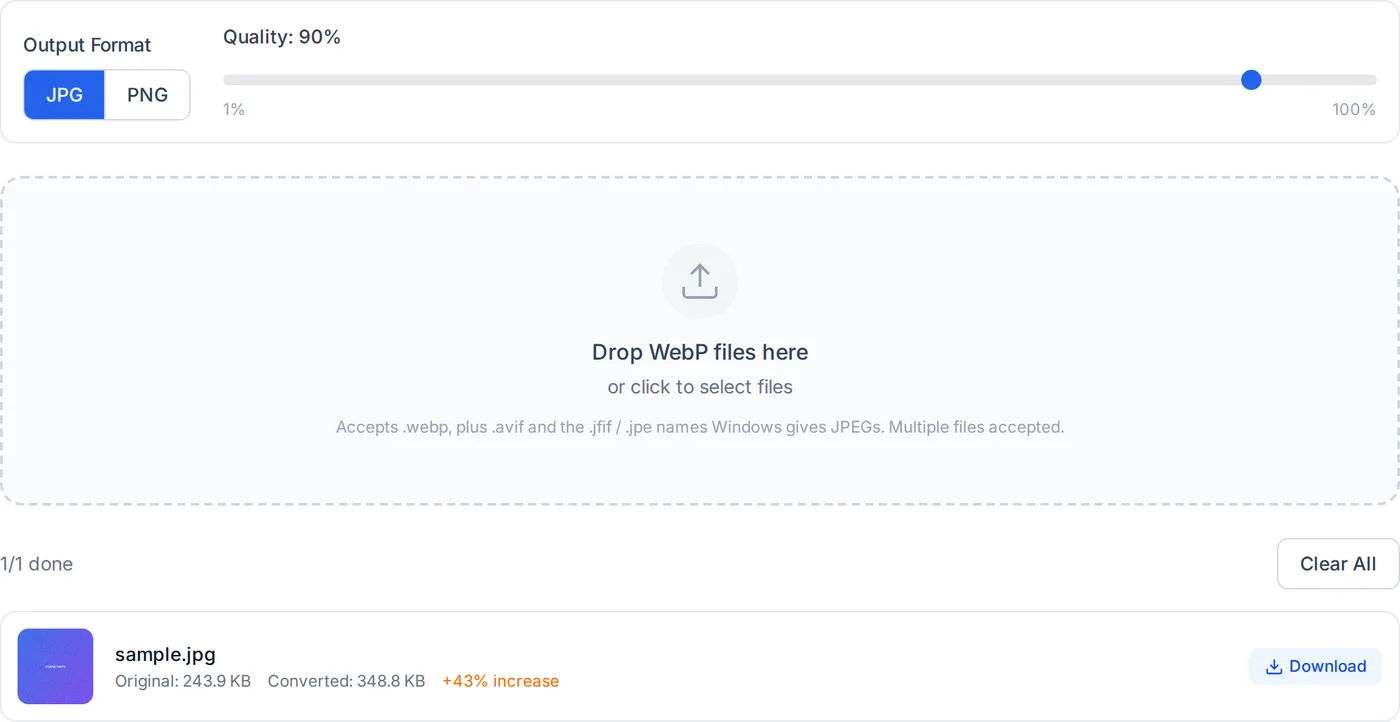
Select either JPG or PNG as your output format. JPG is best for photographs and complex images where a smaller file size is preferred. PNG is ideal for images that require transparency or sharp edges, such as logos, screenshots, and graphics.
Adjust Quality (JPG only)
If you've selected JPG as the output format, you can adjust the quality slider from 0% to 100%. A quality of 90% offers an excellent balance between file size and visual quality. Lower values produce smaller files but with some loss of detail.
Download Your Converted Files
Once the conversion is complete, you can download each file individually or use the "Download All as ZIP" button to get all converted files in a single ZIP archive.
The conversion process is instant for most files. Since everything runs locally in your browser, the speed depends only on your device's processing power, not on your internet connection.
How this WebP converter works
Every modern browser already contains a WebP decoder and JPEG/PNG encoders. Rather than shipping an image library, this tool uses those built-in codecs through the Canvas API — which is why conversion is close to instant.
- Decode with the browser's own codec
- The file is loaded as an image from an object URL, so the browser's native WebP decoder does the work. That also means support tracks your browser rather than a library version we chose.
- Draw and re-encode
- The decoded image is drawn onto a canvas at its natural pixel dimensions, then re-encoded with canvas.toBlob to image/jpeg or image/png. No resampling happens, so output resolution matches the source exactly.
- Quality control
- For JPEG the quality slider is passed straight to the encoder. PNG is lossless and ignores the setting — converting a photographic WebP to PNG will normally produce a much larger file than JPEG.
- Transparency
- WebP supports an alpha channel and JPEG does not, so transparent areas become black when you pick JPEG. Choose PNG to keep transparency intact.
- Object URLs are released
- Every object URL created for a source file or a result is revoked after use, so converting a long batch does not steadily consume memory.
Where it stops
Animated WebP files are not preserved as animation — a single frame is written to the output. Neither JPEG nor PNG can represent animation, so an animated source needs a different target format such as GIF or MP4.