How to Open a .msg File Without Outlook: Three Ways
.msg is Outlook's own format; Gmail, Apple Mail and Thunderbird cannot read it. How to open one in your browser right now, in Outlook, or with a free viewer — and why some open with an empty body.
Open the .msg file right now
No Outlook needed. Pick the file and the subject, body and attachments appear. Works on Mac and phones too.
The file is read inside your browser and never sent to a server.
Someone sent you a file ending in .msg. Double-clicking does nothing useful, Gmail cannot preview it, and dropping it on a Mac gets no reaction. That is because .msg is the format Microsoft Outlook uses to save a single message, and it is Outlook's alone — no other mail client reads it natively.
This guide covers three ways to open one, with the emphasis on not having Outlook, and explains why a .msg sometimes opens with an empty body.
What a .msg file is (in 30 seconds)
Drag a message out of Outlook onto the desktop, or use Save As, and you get Subject.msg: one file holding the subject, sender, recipients, body and every attachment.
The catch is how it is built. A .msg is not text. It is a compound file — the same binary container Word used for .doc and Excel for .xls — with each part of the message stored as a small stream inside. Where a standard .eml can be read in a text editor, a .msg needs software that understands the container. The two formats are compared in EML vs MSG.
Method 1: open it in your browser (nothing to install)
No Outlook, on a Mac or phone, or on a locked-down work PC: in every case the browser you already have is enough.
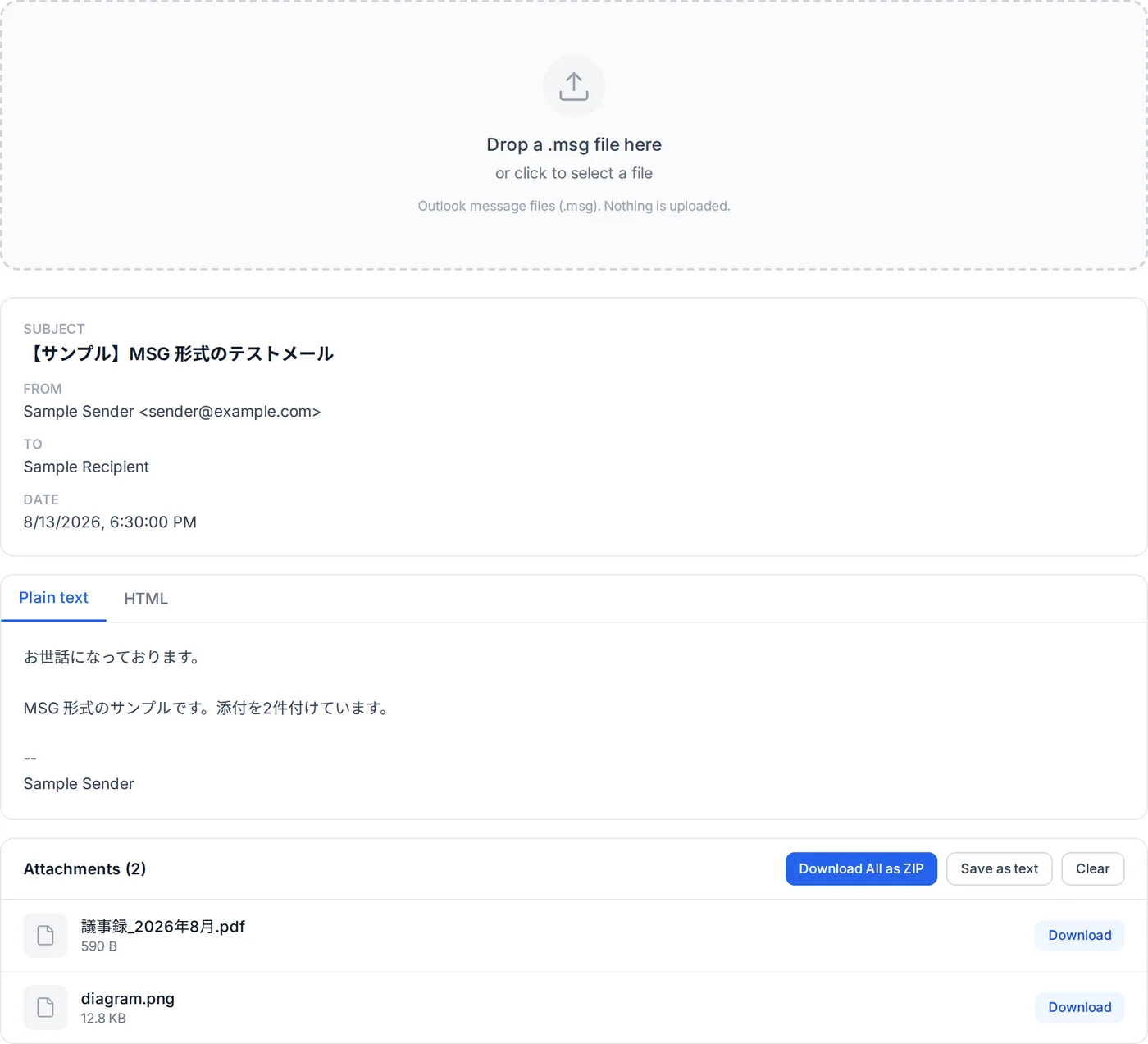
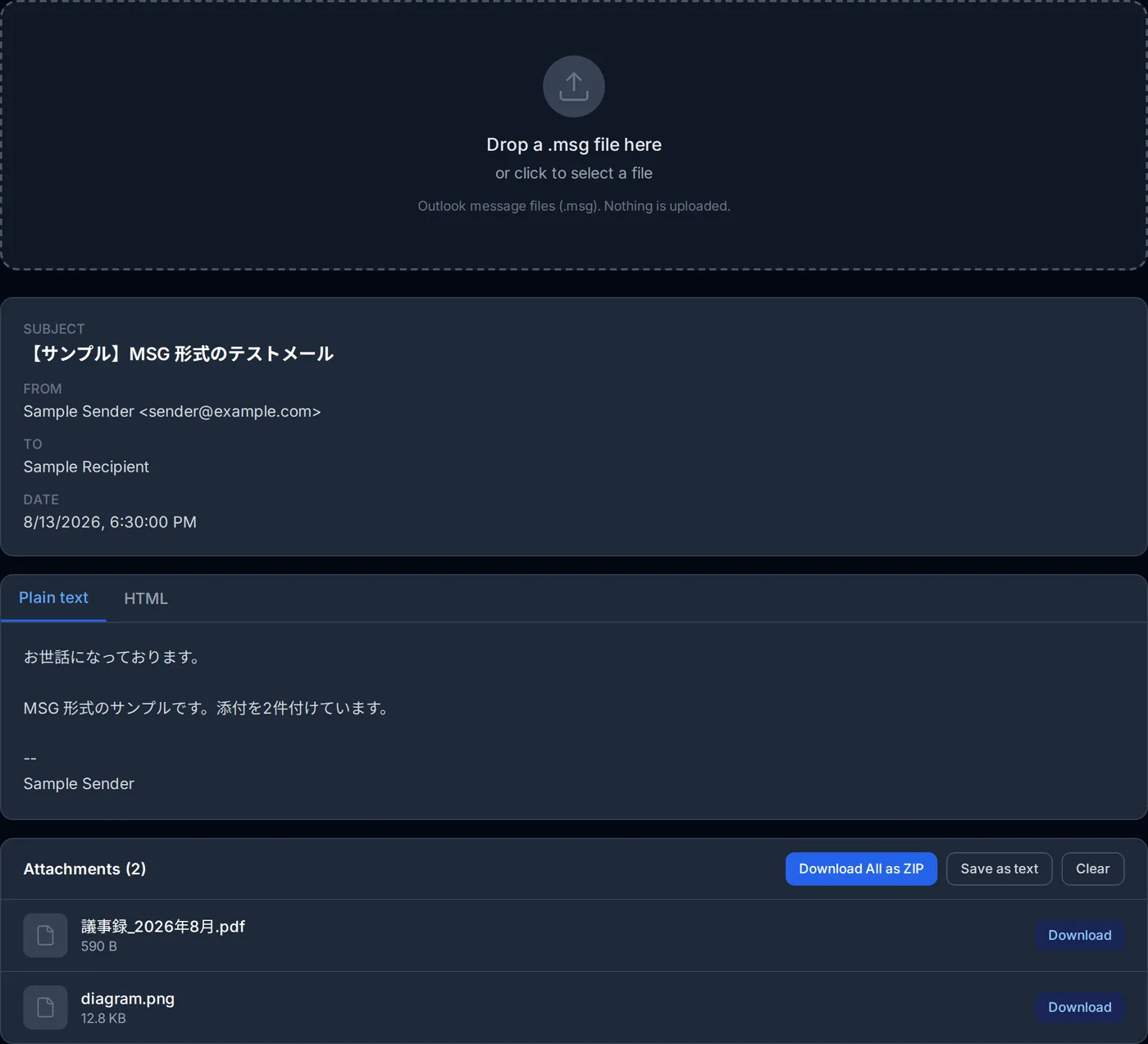
- Open the Outlook MSG viewer.
- Drop the .msg file in, or use the file picker.
- Subject, sender, recipients, date and body appear. Attachments are listed and download individually or together as a ZIP.
The viewer walks the compound file structure — the FAT, the directory tree, the mini-stream — right in the browser. Nothing is uploaded, so it is safe for internal mail and correspondence you would not want on someone else's server. It also reads the long Unicode attachment name first, which is why file names in other scripts do not come out as "~1.PDF" the way they do in some tools.
Method 2: open it in Outlook
With classic Outlook for Windows installed, double-clicking a .msg opens it in the same window a received message would, and you can reply or forward from there.
New Outlook and Outlook on the web open .msg files too, but according to Microsoft the account needs a qualifying Microsoft 365 subscription. Microsoft also notes that if a double-click does not open the file in new Outlook, new Outlook may not be the default app for .msg files. Outlook for Mac has opened .msg files since version 16.108 of April 2026 (release notes).
One more caveat: an Outlook that has never been launched shows its account setup wizard first and stops there. If that gets in the way, method 1 is quicker.
Method 3: use a free viewer app
If you handle .msg files in bulk or need to work fully offline, a dedicated viewer is an option. MsgViewer, an open-source Java application, runs on Windows, Mac and Linux and can also convert .msg to .eml. There are plenty of commercial "free" viewers as well; many charge for saving or converting, and some bundle other software in the installer, so check the source before installing.
For one or two messages, none of that is worth it. Open them in the browser and save the attachments you need.
Why it will not open, or opens empty
- The body exists only as RTF. Outlook can store the body as plain text, HTML and compressed RTF, and some messages — older ones, or from certain configurations — carry only the compressed RTF. Some viewers then show an empty body. The browser viewer expands the RTF instead: a message written in HTML comes back as that HTML, one written as rich text as plain text without its formatting.
- The message is encrypted or signed. S/MIME-encrypted .msg files can only be decrypted by an Outlook that holds the certificate.
- The extension is .msg but the content is not. Other software uses ".msg" for unrelated things. If the viewer says the file is not an Outlook message, run it through the file identifier. If it turns out to be an .eml, the EML viewer opens it.
- A message inside a message. Saving a forwarded email embeds the original as an attachment. The viewer lists the embedded message but does not expand it; ask for the original as its own .msg.
If you need .eml instead
You may want .eml to import a message into Thunderbird or Apple Mail. Classic Outlook for Windows has no "save as .eml" option, so conversion means a tool such as the MsgViewer mentioned above, or moving the mail through Thunderbird's own import.
If the goal is just to read the message or get the attachments out, skip the conversion. The viewer shows the body and saves the attachments, which is usually all that was needed.
Summary
- .msg is Outlook's own binary format. Gmail, Apple Mail and Thunderbird cannot open it as-is.
- Without Outlook, the browser MSG viewer is the fastest route. Nothing to install, nothing uploaded.
- Classic Outlook for Windows opens it with a double-click; new Outlook and the web version do with a qualifying Microsoft 365 subscription; Outlook for Mac does from version 16.108 (April 2026).
- An empty body in another viewer is often an RTF-only body, which the browser viewer does show; if it is empty there too, suspect encryption. A refusal to open means the name and the content disagree.
Related Articles
EML vs MSG: Which to Choose When You Save an Email
What is inside each, and which to save in
How to Open EML Files Without Outlook
If what you received is .eml instead
What Is an EML File? What Is Inside, and What to Do When One Won't Open
What EML files are and how to open them in your browser.
The .msg format
Reference page for the extension
Frequently asked questions
Can Thunderbird open a .msg?
I have a lot of .msg files to check.
Attachment names in Japanese come out garbled in other tools.
The images in the signature do not show.
About the author
Ren
Developer, OpenedFile
I build and maintain OpenedFile on my own. It started when a winmail.dat attachment landed in my inbox and nothing would open it — and every online converter I found wanted me to upload the file to their server first. So I wrote a TNEF parser from scratch instead, and every tool here has run entirely in the browser ever since.
More about OpenedFile