Winmail.dat on iPhone: What to Do When You Receive One
How to get the attachments out of a winmail.dat that arrived in iPhone Mail, in Safari and without installing an app — plus why it happens and what to ask the sender, following Apple's and Microsoft's own explanations.
Open the winmail.dat now
Works in Safari on an iPhone as it is. Nothing to install.
Everything happens in your browser; nothing is uploaded.
When an email arrives in iPhone Mail with an attachment called winmail.dat, tapping it does not show what is inside. Apple's own advice was to save the file and open it with a third-party winmail.dat viewer, on an iPhone, iPad or Mac alike (from an Apple support article that is now archived).
The winmail.dat viewer on this site runs inside Safari, so you can do exactly that without installing an app.
Opening it on an iPhone in three steps
- Save winmail.dat to Files — Open the email in Mail, touch and hold winmail.dat, then choose Save to Files (the steps for saving an attachment in Apple's iPhone User Guide). Any folder will do.
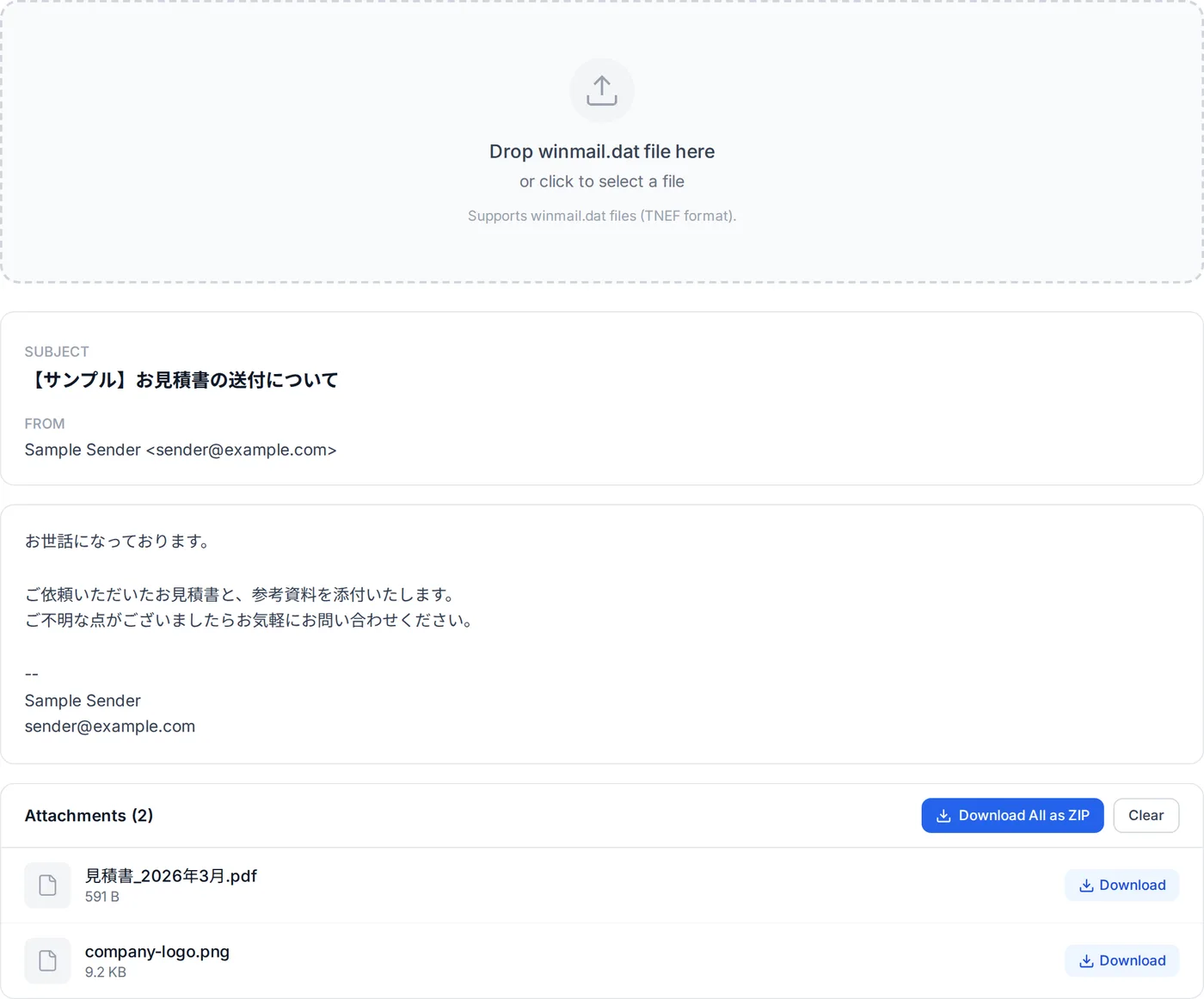
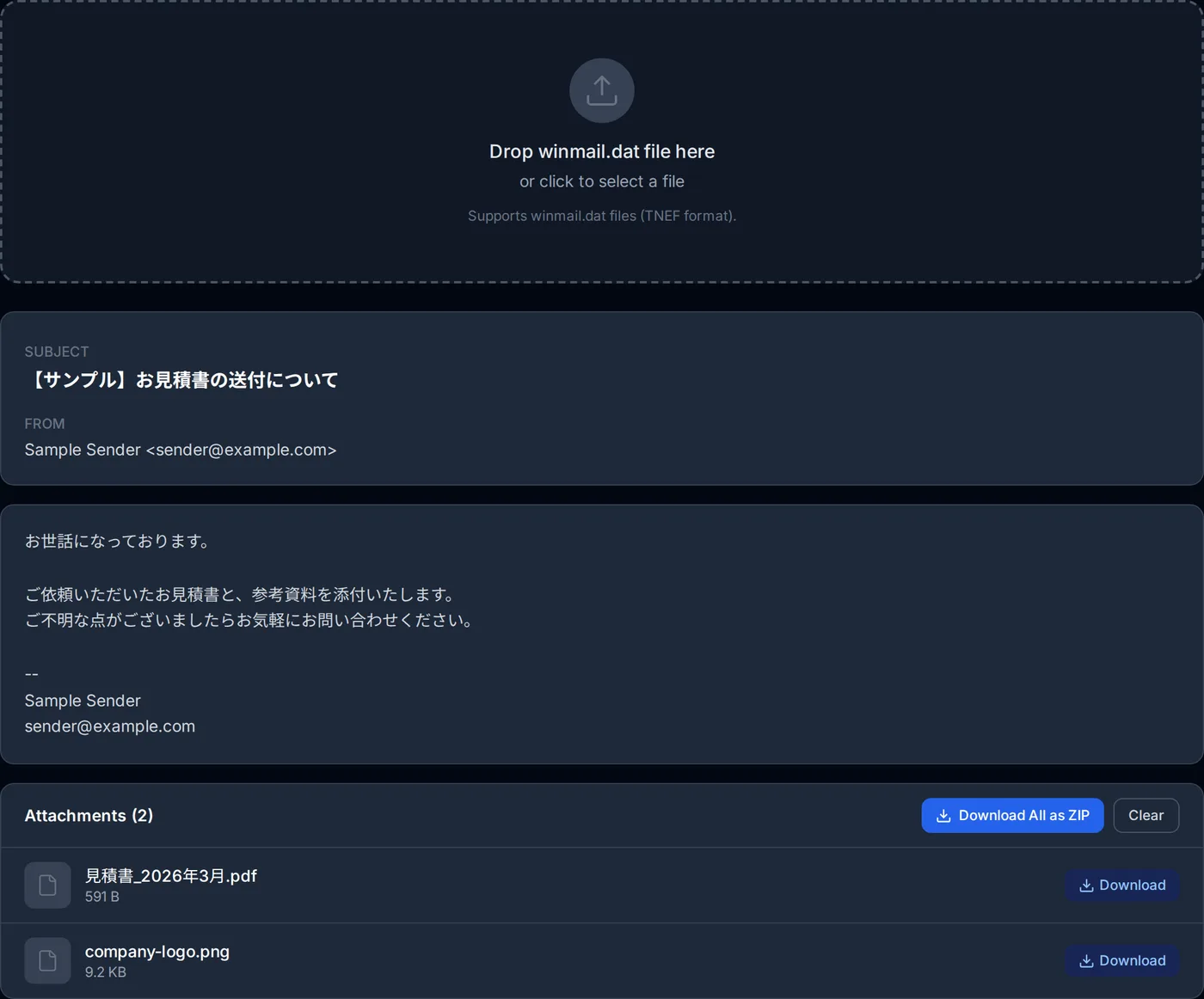
- Open the viewer in Safari and pick the file — Go to the winmail.dat viewer in Safari, tap the area for choosing a file, and pick the winmail.dat you saved.
- Save the attachments inside — The subject, sender and body appear, with a list of the attachments that were inside. Tap Download next to one to save it. According to Apple, files you download from the internet go to the Downloads folder in the Files app. With several attachments, Download All as ZIP saves them together.
The file is not sent to a server; it is read on the iPhone itself. By this site's own measurement, winmail.dat was opened 39 times on iPhones and other iOS devices between July and early October 2026. Every one was read, and 22 of them had attachments inside; the other 17 had none.
If the attachment is called something like ATT00001.dat instead of winmail.dat, the same steps work. The viewer goes by what is inside the file, not its name.
Why winmail.dat arrives
Usually, the sender's Outlook sent the message in Rich Text format (sometimes the sending organisation's mail server settings are the cause). Microsoft explains that for Rich Text, Outlook packages the message in TNEF, a Microsoft-specific format, and if the recipient's system cannot process it, an attachment named Winmail.dat is added.
According to the same explanation, Winmail.dat may contain:
- The formatted version of the text (fonts and colours)
- Embedded pictures and embedded Office documents
- Outlook features such as voting buttons and meeting requests
- Ordinary file attachments the sender added
The last one is the case that hurts: an ordinary attachment locked inside winmail.dat, out of sight. Sometimes the file holds nothing useful at all (Apple's article said the same), and then the viewer shows no attachments; the text of the message arrives separately, as plain text in the email.
Sources: Microsoft's "How message format affects email messages" and Apple's "Download email attachments in Mail on iPhone" and "Where to find downloads on your iPhone or iPad".
What to ask the sender
Nothing on the receiving end stops it. The sender has to make Outlook send in HTML (or plain text). A message along these lines usually gets the point across:
How to change the default for every message (in Outlook under File > Options > Mail) and how an administrator can stop it for the whole organisation are covered in how to stop Outlook sending winmail.dat.
Frequently asked questions
The sender switched to HTML, but winmail.dat still arrives.
I extracted the attachment but the iPhone cannot open it.
About the author
Ren
Developer, OpenedFile
I build and maintain OpenedFile on my own. It started when a winmail.dat attachment landed in my inbox and nothing would open it — and every online converter I found wanted me to upload the file to their server first. So I wrote a TNEF parser from scratch instead, and every tool here has run entirely in the browser ever since.
More about OpenedFile