How to Open EML Files Without Outlook
You can open a .eml file without Outlook. Four ways, with steps, following Microsoft's and Mozilla's own information: in your browser right now, with the new Outlook built into Windows, with Thunderbird, or in a text editor.
Open your .eml now
Pick the file and the subject, body and attachments appear. Works on Windows, Mac and phones.
Everything happens in your browser; nothing is uploaded.
A .eml file is one email saved as text in the format of internet mail. It is not an Outlook-only format, so there are several ways to open it without Outlook.
The short answer
- Just want to read one now → open it in your browser (nothing to install)
- On Windows and will open more → the new Outlook (built into Windows, free)
- Want to read it in a mail app on Mac or Linux too → Thunderbird, for example
Method 1: open it in your browser (Windows, Mac, phones)
- Open the EML viewer on this site.
- Drag the .eml file onto the page, or click to choose it.
- The subject, sender, recipients, date and body appear. Save attachments one at a time or with Download All as ZIP, and save the body with Save as Text.
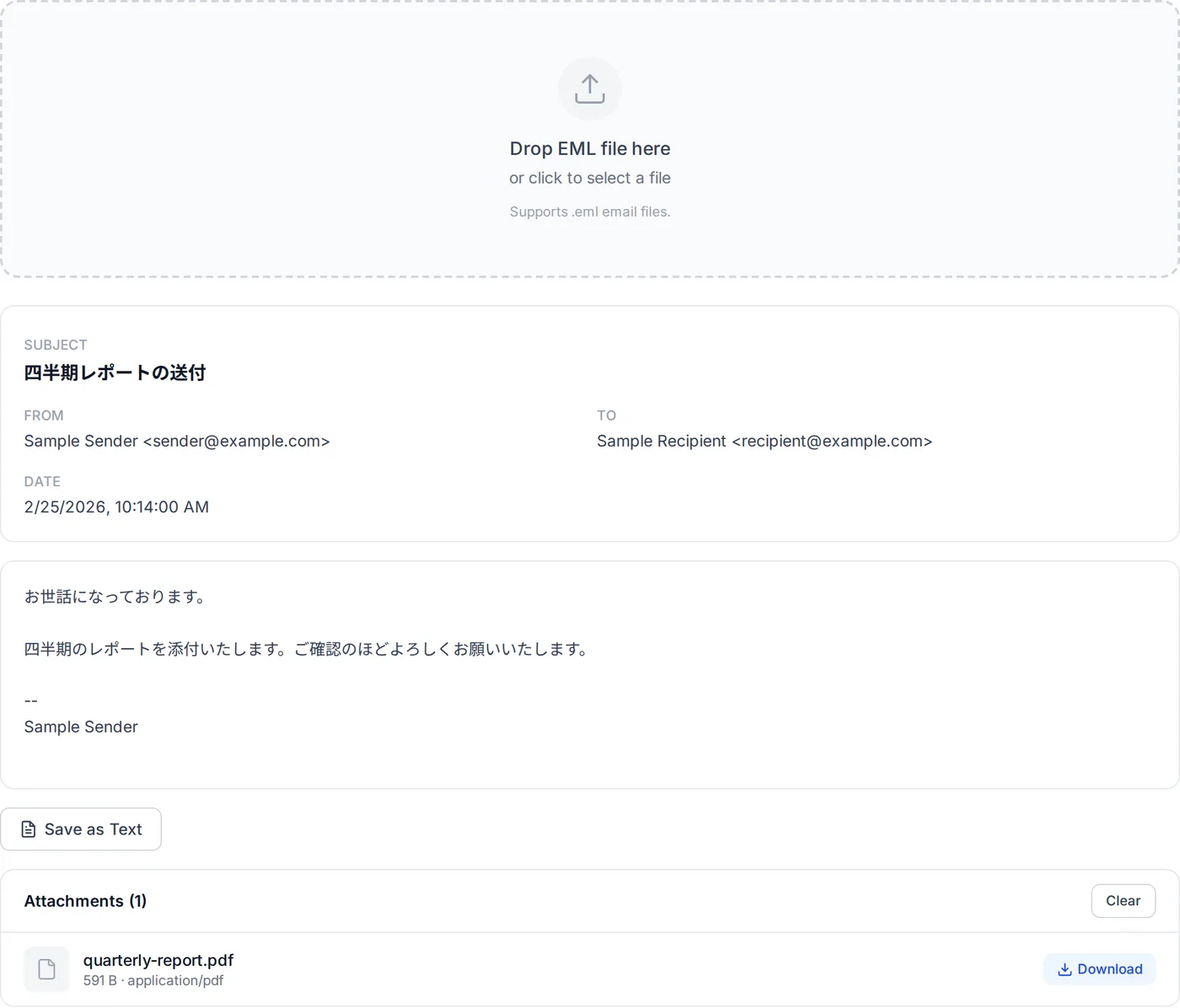
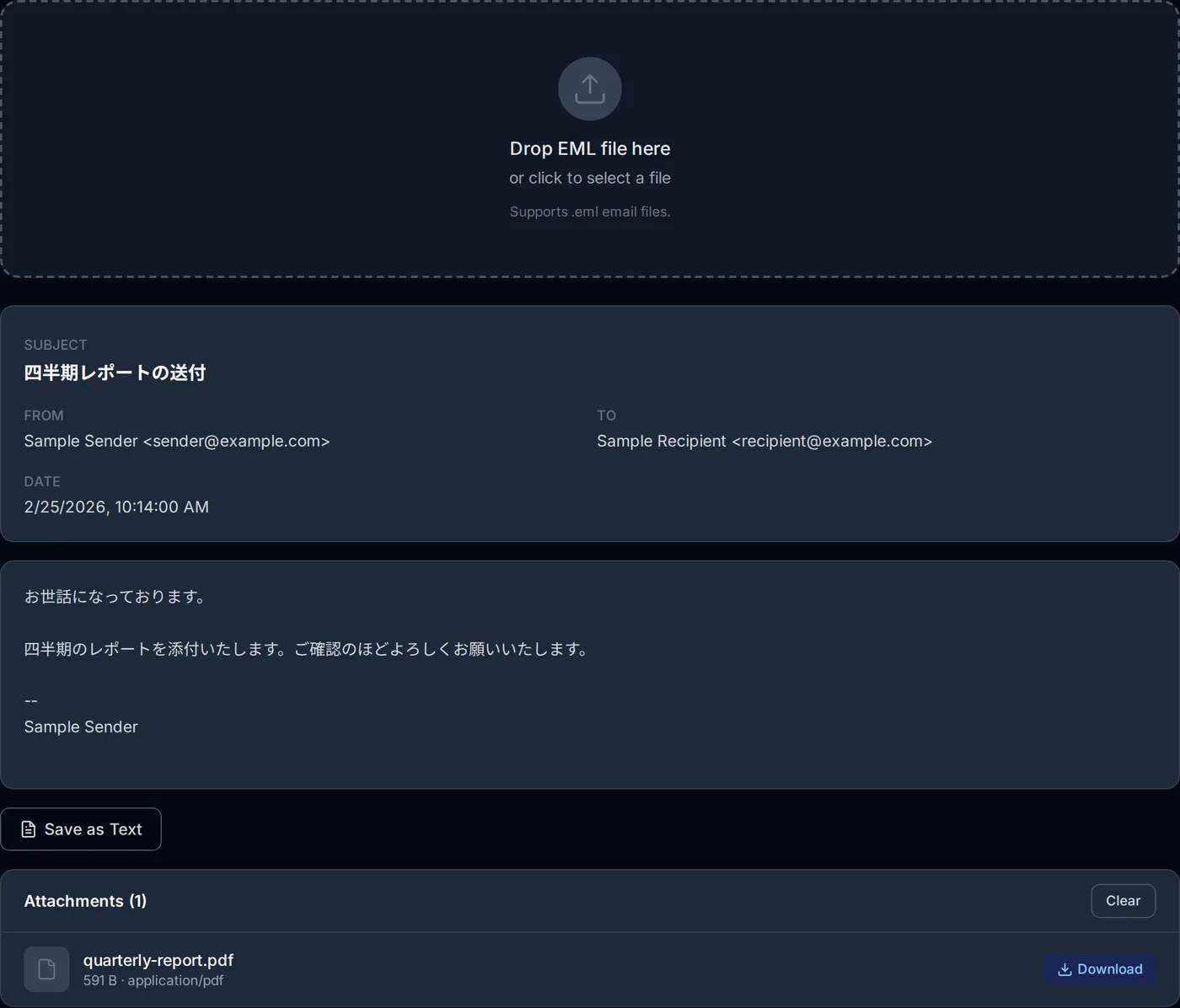
The file is not sent to a server; it is read inside your browser. It works the same way in Safari on an iPhone or Chrome on Android. By this site's own measurement, a .eml was opened 131 times between July and early October 2026 (120 on Windows, 6 on iPhones and other iOS devices, and others), and every one was read.
Method 2: the new Outlook (Windows)
"No Outlook" usually means the classic Outlook that comes with Microsoft 365 and similar plans. Windows also has the new Outlook, which according to Microsoft is built into Windows and free for everyone, with no subscription needed. If it is missing, it can be installed from the Microsoft Store.
Note, though, that Microsoft's "Getting started with the new Outlook for Windows" only says that when you switch from classic Outlook or Windows Mail, the new Outlook launches into that account; it does not say whether it can be used without adding an email account. If you would rather not add one, opening the file in your browser is the sure route.
Microsoft's help says to double-click the .eml in Windows Explorer, or drag it into the new Outlook. If a double-click does not open it in the new Outlook, it may not be set as the default app for .eml files, and Microsoft points you to changing the default programs in Windows.
Opening a .msg in the new Outlook needs an account with a qualifying Microsoft 365 subscription; a .eml has no such condition.
Method 3: Thunderbird (Windows, Mac, Linux)
Thunderbird is an email app for Windows, Linux and macOS. To open a saved .eml, choose File > Open > Saved Message… and pick the file. On Windows and Linux the menu bar may be hidden at first; right-click an empty part of the toolbar and tick Menu Bar. The menu names come from the files of Thunderbird's interface text that Mozilla publishes (English, Japanese).
Installing a mail app to read a single message is a lot of effort, but it suits people who receive .eml files often, or who want to read them in a mail app on a Mac or Linux.
Method 4: look inside with a text editor
A .eml is text, so Notepad or any text editor opens it. The header section at the top includes lines for the sender (From), recipients (To), subject (Subject) and date (Date), and the body follows. In a message you received, several lines of delivery records such as Received may come before them.
A subject with any non-ASCII characters, though, is written in a form like =?UTF-8?B?…?= and cannot be read as it stands. Depending on the message, the body may be encoded in another form too, and attachments are long runs of letters, digits and symbols. That is enough to check who sent it and when, but for reading, the other methods suit better.
Sources
Microsoft's "Open .eml, .msg, and .oft files in new Outlook and Outlook on the web", "Outlook for Windows: The Future of Mail, Calendar, and People on Windows 11" and "Getting started with the new Outlook for Windows", Gmail Help, and the Thunderbird website.
Frequently asked questions
Can the Windows Mail app open it?
I cannot install software on my work computer.
Can Gmail open a .eml file?
About the author
Ren
Developer, OpenedFile
I build and maintain OpenedFile on my own. It started when a winmail.dat attachment landed in my inbox and nothing would open it — and every online converter I found wanted me to upload the file to their server first. So I wrote a TNEF parser from scratch instead, and every tool here has run entirely in the browser ever since.
More about OpenedFile